












Controls
Space↑ClickTap
Hold to move upward and release to move downward.
More arrow-based challenges and narrow passages.
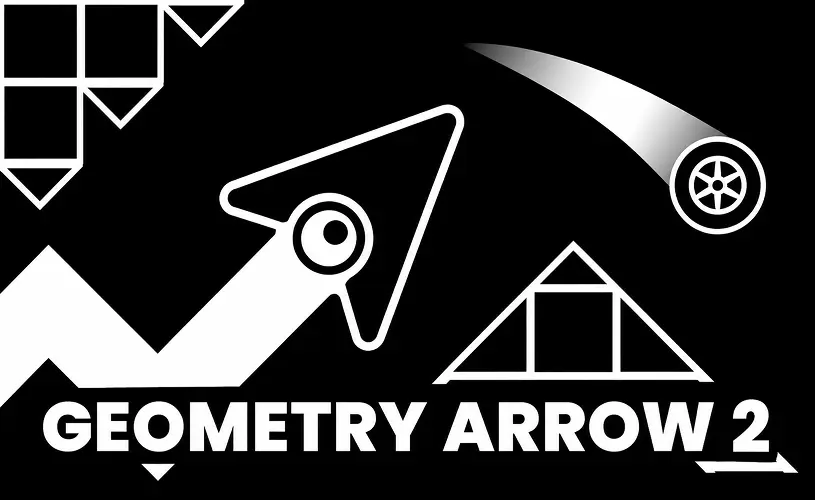
More arrow-based challenges and narrow passages.
Space↑ClickTap
Hold to move upward and release to move downward.
Geometry Arrow 2 expands the original Geometry Arrow with a second movement form. Arrow passages still use the familiar wave-like zigzag, but Wheel sections introduce ground-based jumps and different timing demands.
The newer browser build is associated with 13 levels that combine the two movement styles. Reaching the portal requires more than mastering one rhythm: you must be ready when a transition changes how the same button affects your character.
In Arrow form, hold left click or Space to climb diagonally and release to descend. In Wheel form, use a press to jump over ground hazards. The change happens at in-game portals rather than through a separate mode-selection button.
The addition of Wheel sections is the major difference from the original game. An obstacle pattern that would be straightforward for a flying arrow can require an entirely different approach on the ground.
The game also offers appearance customisation in some builds, including changes to forms and visual effects. The browser menu shows which options are available in the version you are playing.
A Wheel movement form joins the existing wave-style Arrow sections.
Look for the first obstacle after the switch and give yourself room to see how the Wheel responds to a press. Use that first movement to judge the next obstacle.
 hot
 trending
 top
 hot
 hot
 top
 hot
 top
No games match your search.
All games →